Note – All links open a Google doc and open in a new tab
- Website Launch Visual Overview
- Client Checklist
- Drive Folder with All Documents for Site Launch Phase – Use [email protected] email address to access all of the “Site Launch Phase” documents
- If for some reason we do not do a site launch planning call, then we miss scheduling the website training. If that happens, we can use these private links to schedule website training. New Website Training with Jewel (Calendly link) and New Website Training with Carol (Calendly Link)
Tasks
- ⭐ ⭐ ⭐ IMPORTANT – This starts the emails. Add AC Tag – Go to https://radiatewp.com/ac/ (must be logged in) and add the client’s email and then click the Client Project Stage: Launch.
- Send client demo site with reminder they have 1 round of minor revisions
- Send the site approval form and receive final website approval.
- Host the website launch planning call.
- Schedule the official website launch.
- Schedule the post-launch website training session.
Tools We Use
Emails
- Your Website Review – Helpscout Saved Replies
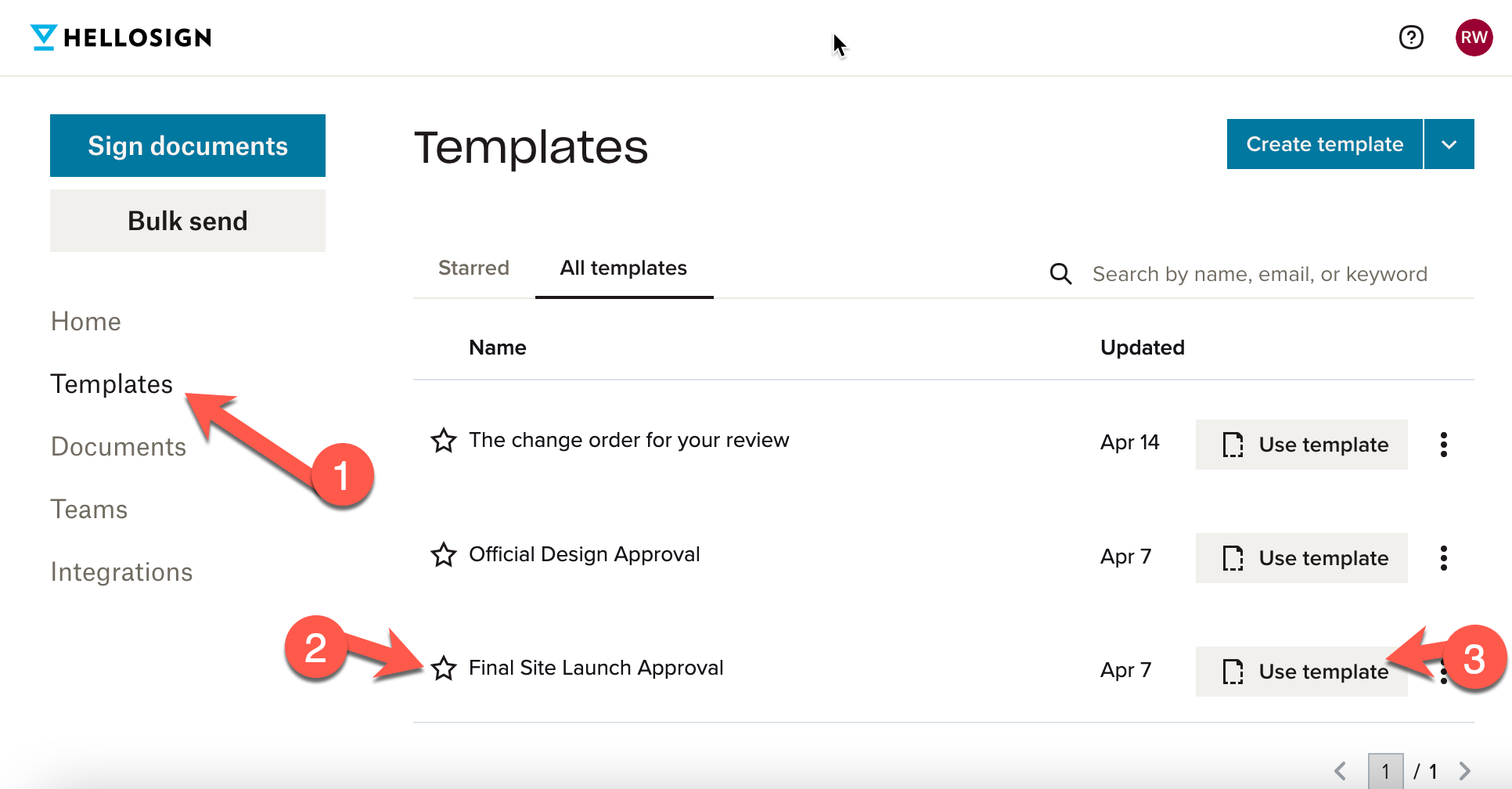
- Final Review and Approval – Hello Sign (See below)
- Website Approval Follow-up – HelpScout Saved Replies (Send if they didn’t reply the first time)
- We Launch Today – HelpScout Saved Replies (Send in the morning on launch day)
- It’s Live – HelpScout Saved Replies (Send when it is live)
Final Review and Approval
When the client says the site is ready to go live, go to HelloSign templates and select the template called “Final Site Launch Approval”.