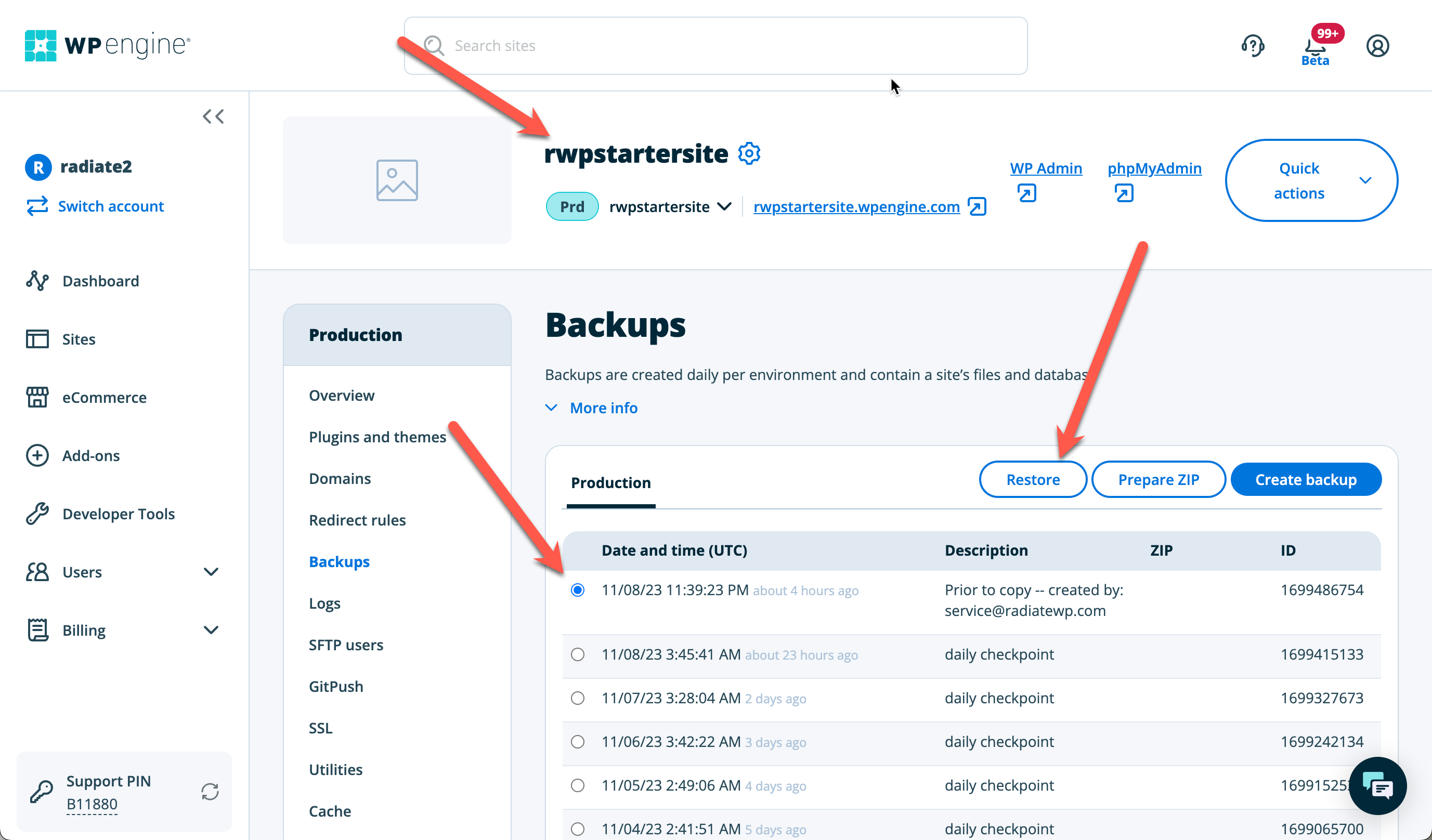
We use an RWP starter site when we begin a new site build. This site can be accessed here on WPEngine.
- To begin a new site, go to the RWP starter site on WPEngine and go to backups.
- If changes have been made to the starter site recently, make sure to back it up.
- With the most recent backup selected, click restore.
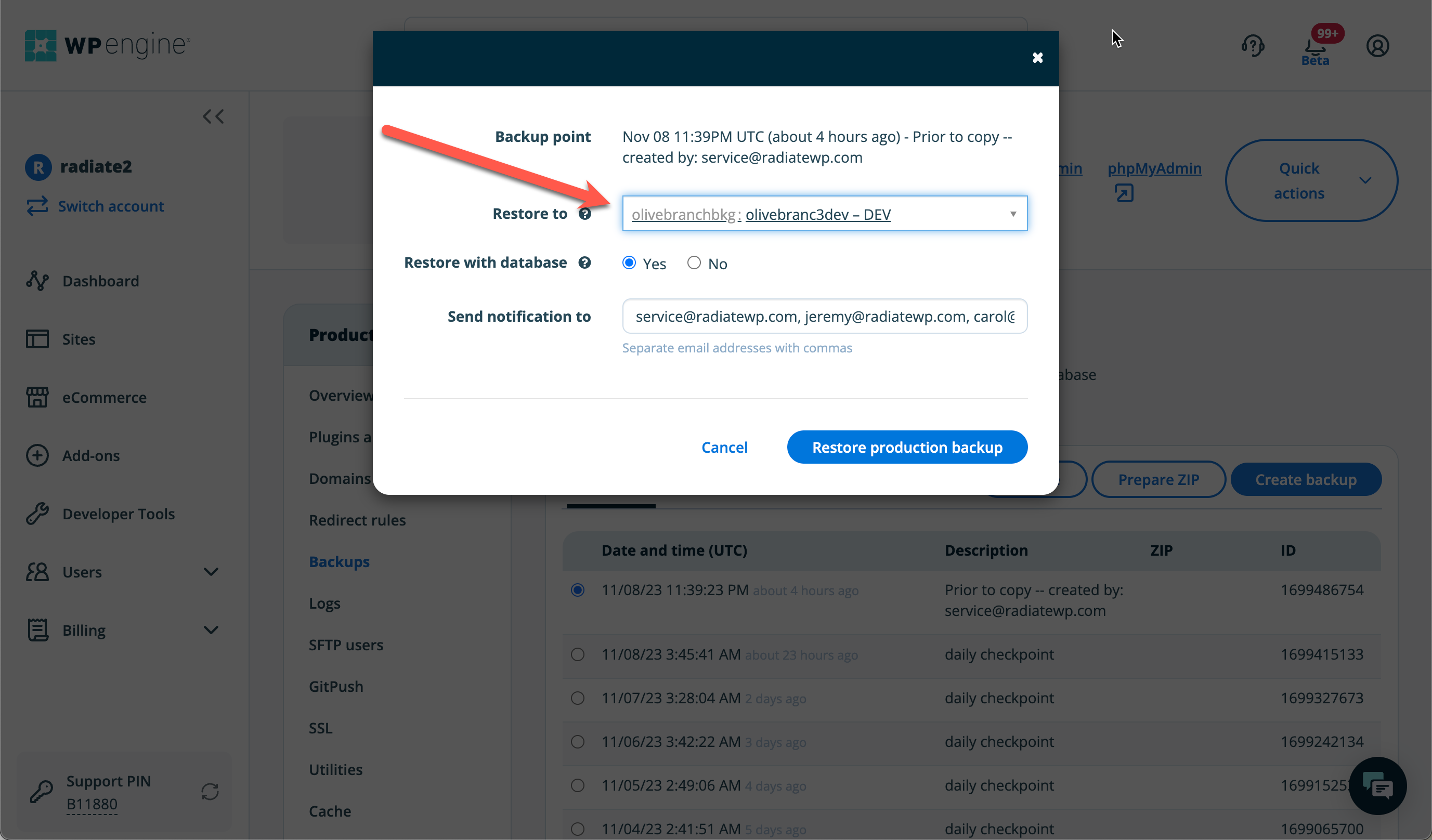
- On the restore to option of the modal window, select the website and environment that you want to move this to. IMPORTANT – make sure to select the proper environment (live, dev, or staging).