
Option 1
Use Smart Mockups for a free mockup generator
Option 2
Mockup websites no longer offer all of the free mockups that they used to on their mockup generators. So here is how I have created mockup images like this one.
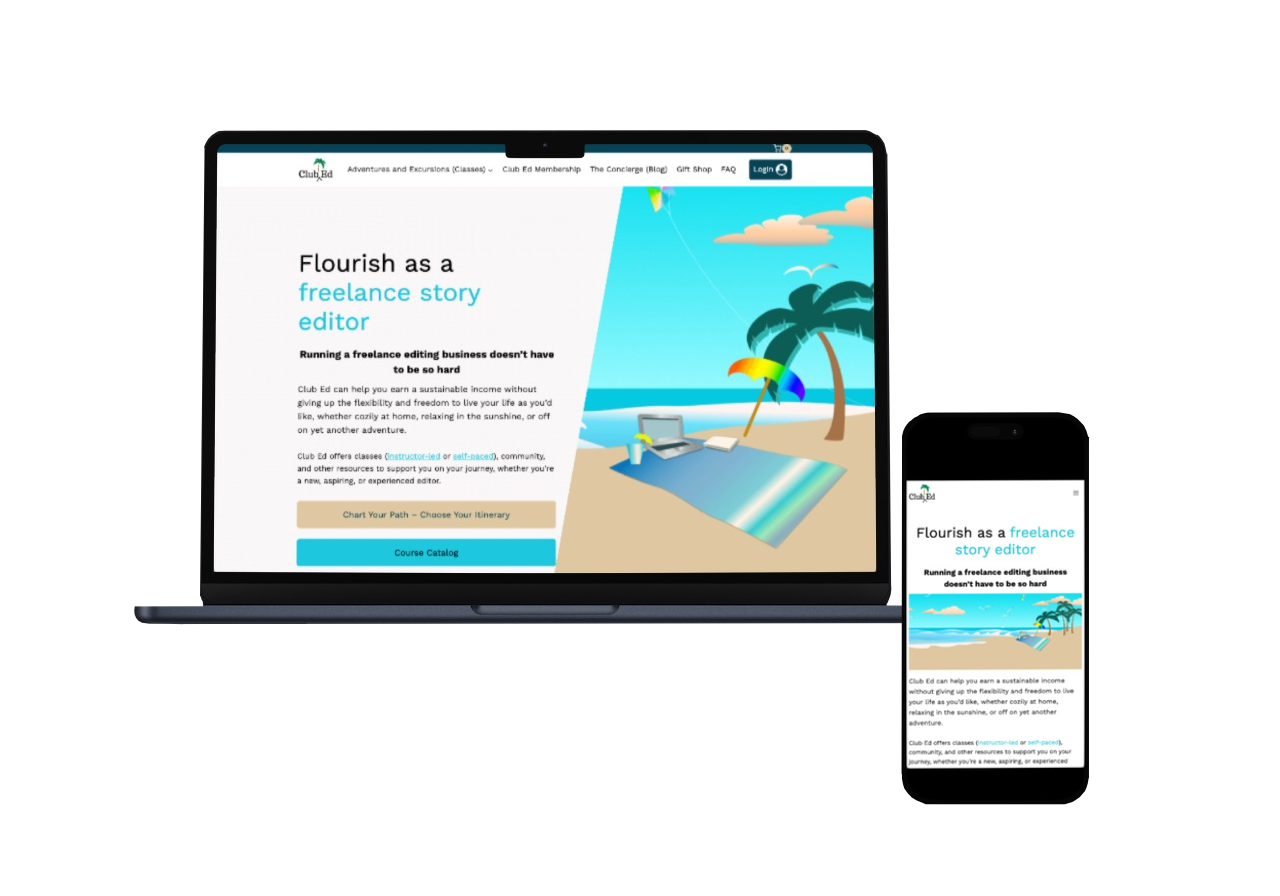
Go to Smart Mockups and use this free mockup for the phone. Export the image and save it.
Go to Smart Mockups and use this free mockup for the laptop. Export the image and save it.
Open each image separately with photoshop or Pixelmator and remove the background. It may require fine tuning with removing up close to the image.
Save both images and then use one image and add the other as a layered image.
Export as a .png for use on the case study if needing a transparent background.
Add background color from image and export as .jpg if you want a background.