
Here are the steps to get a public download URL for a website backup from the WP Engine portal (no WPE login needed).
- Go to the list of backups in the WPE Engine portal for the install
- Select the backup you want to download and click “Prepare Zip”
- Put in our email address to be notified when the backup is ready to download (do NOT put the client’s email address here)
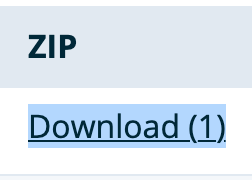
- Once ready, visit the backup page again and click the “Download” link
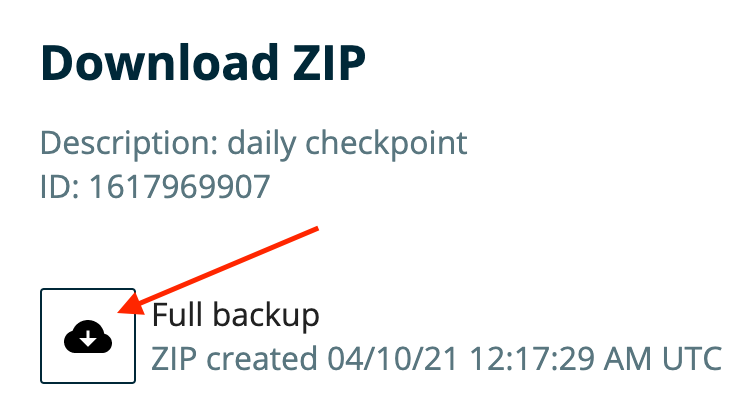
- In the popup window, right-click on the cloud and copy the URL (it should end in “.zip”)
- Paste that URL into a HelpScout message to the client to let them know the download link expires within 7 days (you do NOT need to be logged into WPE to download with this URL, it is publicly accessible)