
Push vs Pull
In general, either will work when going between 2 publicly available domains (i.e. domain website & temp URL site). However, there are a few differences between Push/Pull that might affect which option is best. Here are some I found:
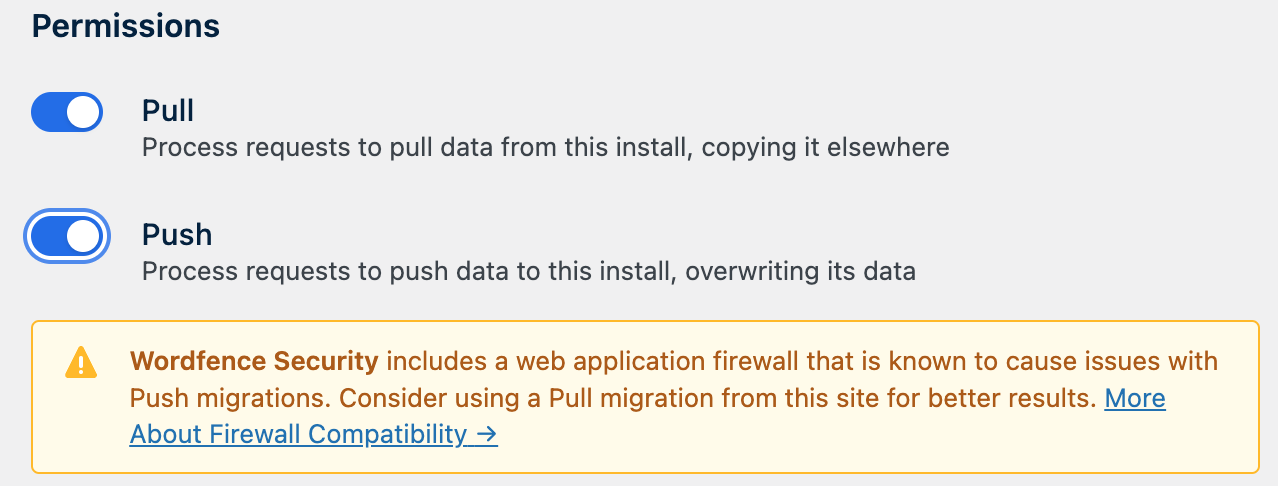
- Wordfence Security plugin‘s firewall might cause issues w/ Push & require disabling it or doing a Pull instead
- Local environments & other non-publicly accessible URLs require initiating a PUSH or PULL on Local, so migration can access the publicly available URL on the other end. See plugin documentation for more details.
Database
Checked & leave default settings, typically.
Media Uploads
Checked & leave default of “PULL ALL MEDIA UPLOADS”.
Theme
Checked & select ” Pull only active themes“
Note: if only active themes are present, then leaving default “Pull all themes” is equivalent.
Plugins
Some plugins that cause the migration to fail:
- Select “Pull only selected plugins“
- Check only active plugins, do not migrate inactive plugins
- Uncheck any of the following plugins:
Note: This is specific to Bluehost Cloud & potentially the result of their default plugin setup & unique pre-configuration that they don’t want overwritten.- Akismet
- Jetpack
- Uncanny Automator
- Yoast SEO
Must-Use Plugins
Usually this can remain unchecked, as they are typically unique to the hosting platform & should not be migrated to another hosting provider.
Other Files
Usually this can remain unchecked.