
Problem
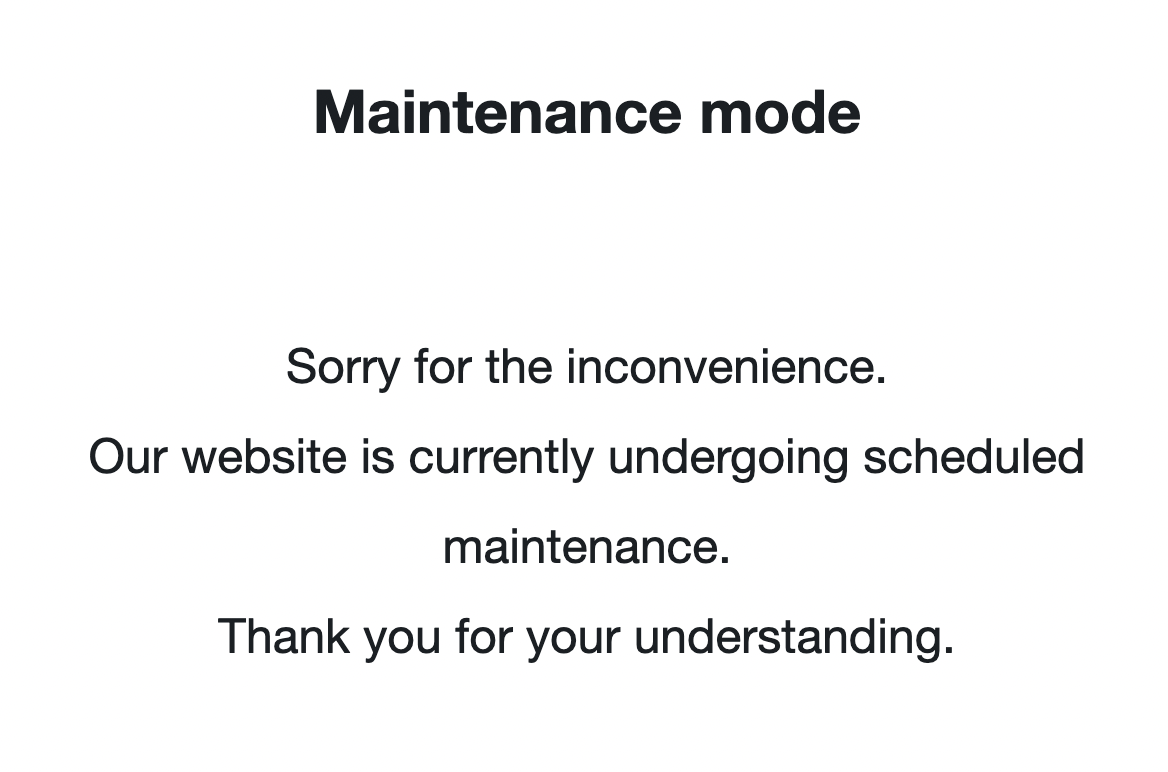
Every once in a while a site gets stuck in “maintenance mode” and reverting the site to a previous backup might now resolve it.
Possible Causes
There are 3 main ways that a site goes into maintenance mode:
- WordPress Core auto-update process

- WP Engine Smart Plugin Manager (SPM) process
[need screenshot] - Maintenance Mode plugin, like WP Maintenance Mode, is turned on
Possible Solution(s)
To resolve based on cause:
- WordPress Core auto-update process
SFTP into the website and delete the hidden file “.maintenance” - WP Engine Smart Plugin Manager (SPM) process
SFTP into the website and delete the file “autoupdater_maintenance_mode_enabled.tmp” - Maintenance Mode plugin is turned on
Log into WP-Admin and find the Maintenance Mode plugin setting that is activated and disable it. You can also deactivate the Maintenance Mode plugin itself, many times.