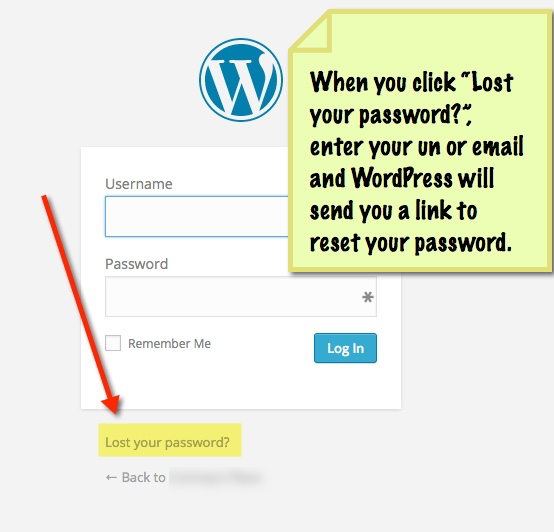
To reset your password, follow the steps below.
Go to your website and add /wp-admin to the end of the url. (for example, if your domain name is ” ilovepuppies.com” then go to “ilovepuppies.com/wp-admin” and click the lost my password link. Enter your username or email address and you will get an email with a link to reset your password.